

Running a small business is two jobs. Your actual business – and the admin layer underneath it. Support messages at 11pm. Meeting notes from last week. Client proposals half-finished. And a note with 30 post ideas you haven’t started on yet. Most founders spend more time on the second one than the first, and the gap keeps growing.
The tools for workflow automation for small businesses already exist – and 58% of SMBs who use AI already save 20+ hours per month. Below are 14 must-haves, organised by where they fit in your day.
What business processes can be automated with AI in 2026?
Most recurring small business tasks can be automated today: meeting summaries, calendar scheduling, content creation, expense tracking, process documentation, customer support, and more. According to Insight Marc Research, the biggest shift in 2026 is the move from Assistive AI – which helps you do a task – to Agentic AI, which does it for you. The same research found that 62% of SMB leaders believe their business will not remain competitive within three years without AI.
Quick answer: Best AI tools for small businesses in 2026
- Flexus – AI agents for small business automation: support, sales, marketing, and operations in one platform
- Fathom – meeting summaries and transcripts, automatically
- Exemplary AI – turns any recording into LinkedIn posts, newsletters, and blog content
- Gamma.app – presentations and proposals from a text prompt
- Reclaim.ai – smart calendar scheduling around your actual priorities.
9 more tools in the full list below.
What can you actually automate in your small business?
Workflow automation for small businesses means using software to handle recurring tasks automatically – without someone manually moving information between tools or repeating the same steps each time. Tools range from full AI platforms like Flexus – where AI agents run entire business functions as a team (support, sales, marketing, planning, operations, and more) – to task-specific apps like Fathom or Expensify that handle one job precisely.
AI tools for small business: at a glance
| Tool | Best for | AI features | What business it suits |
|---|---|---|---|
| Fathom | Recording and summarizing sales calls | Auto-generated summaries, key moment tagging, instant CRM syncing | Teams with high call volumes who lose insights due to manual entry |
| Karen by Flexus | 24/7 autonomous customer engagement | Instant responses across channels, sentiment-based tone adjustment, pattern detection, weekly insight reports, self-improving from every conversation | Fast-growing companies; physical and digital small businesses (1–15 people) |
| Flexus | Running your business with a team of AI agents | Specialized agents for support, sales, marketing, and operations – sharing context, learning from your business, improving over time | Founders building for scale who want their business to run itself |
| Reclaim.ai | Smart calendar and task management | Automated time-blocking for tasks and habits while protecting focus time | High-output teams and busy managers balancing heavy meeting schedules (5–100) |
| LanguageTool | Professional multilingual communication | AI-powered grammar checking and stylistic rephrasing for better tone | Global-first companies needing high-quality communication for international clients |
| Exemplary AI | Creating social content from existing materials | Turning calls, webinars, and articles into posts, blog drafts, and social clips | Small companies (<10 people) without a dedicated marketing specialist |
| Gemini for Workspace | General productivity and data synthesis | Multimodal AI across Gmail, Docs, Sheets, Slides, and Meet | Companies with data scattered across Drive and Docs that need a central “brain” to pull reports together |
Meetings & communication
You shouldn’t be writing meeting notes in 2026. And status updates don’t need a 15-minute call to deliver.
1. Fathom
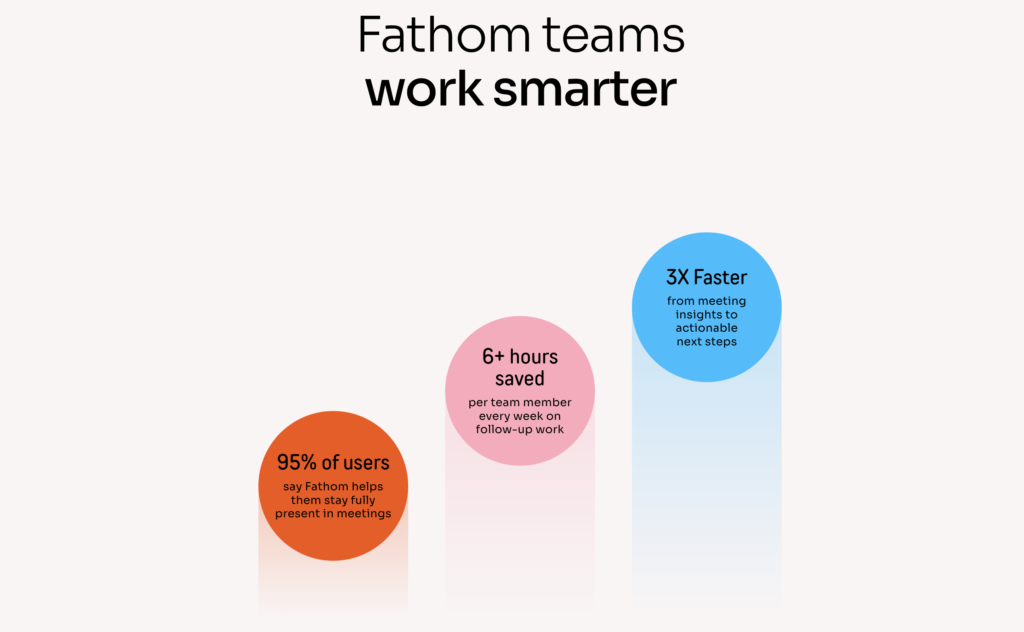
Records your Zoom, Google Meet, or Teams call and sends you a summary when it’s over. Action items, key decisions, full transcript – without you writing a single note. You show up to the call, Fathom handles the rest.
✅ Free plan: unlimited recordings + AI summaries, covers most small teams fully.
💸 Paid: $19/mo (Team) – CRM sync, team collaboration, shareable clip exports.
Plus: if you have offline meetings, coffee chats, or calls that don’t go through Zoom – try Granola. It does the same thing: runs quietly in the background, captures the conversation, and creates a summary you can send. Mac only.
2. Loom
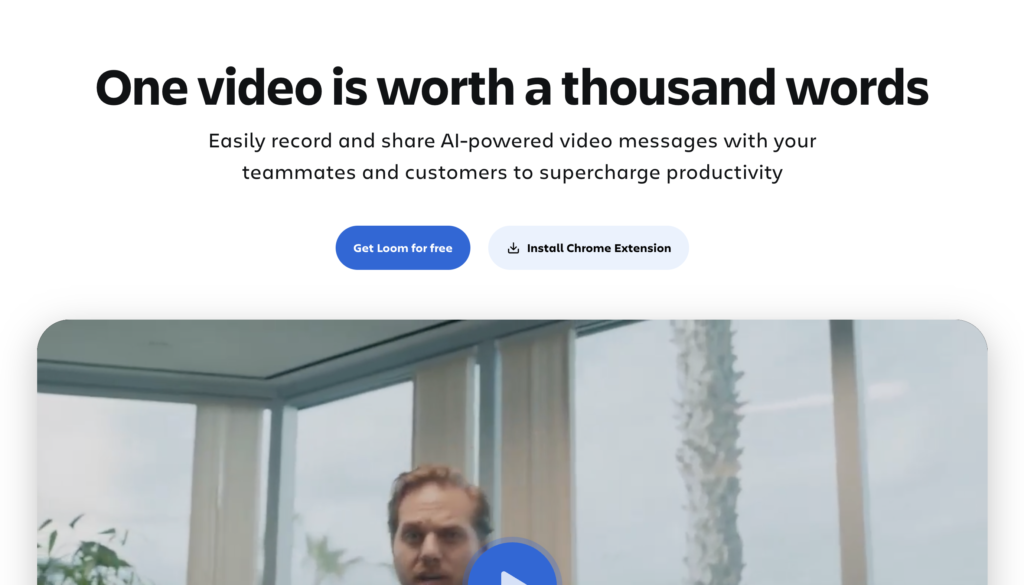
Half your calendar is meetings that don’t need to be meetings. Loom gives you an alternative: record your screen with your face in the corner, walk through whatever needs explaining, share a link. The other person watches when they’re free. No scheduling, no “can you share your screen,” no 45-minute call for a five-minute thing.
The AI trims pauses, writes a title, and generates a summary for people who won’t watch it in full. There are always people who won’t watch it in full.
✅ Free plan: up to 25 videos – enough to build the habit and feel the difference.
💸 Paid: $15/mo – unlimited videos, AI summaries, viewer engagement analytics.
Customer support
In most small businesses, customer support eventually lands on the founder. That’s the bottleneck – and the burnout.
3. Karen by Flexus – AI Customer Support Agent
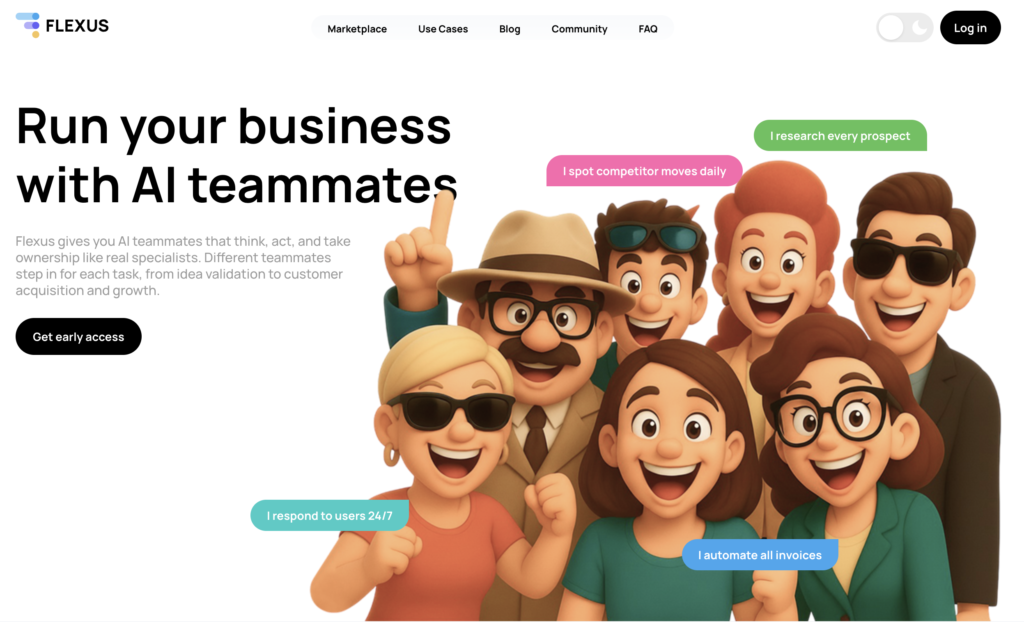
Karen by Flexus runs your customer support 24/7 across WhatsApp, Telegram, Discord, and Slack. She remembers every conversation, adjusts her tone to the customer’s mood, and knows when to pass the thread to a human – with full context attached, so nobody has to piece together what happened.
According to HubSpot’s State of Service Report, 90% of customers expect an immediate response, and 60% define that as under 10 minutes. Karen by Flexus closes that gap: every message gets a reply, at any hour, without a support team behind it.
Unlike a basic chatbot, Karen by Flexus doesn’t just reply – she acts proactively, knowing exactly when to hand off to a human. Every week she sends a digest: recurring questions, friction points, product issues your team can turn into real product and support insights. With every conversation, Karen by Flexus gets smarter and better understands your business – working more effectively and helping convert first-time customers into loyal ones.
✅ Pricing: Pay as you go · Get early access to an AI customer support agent by Flexus →
Focus & productivity
It’s not one big task that makes the day feel heavy – it’s the accumulation of micro-decisions. These tools automate how you use your time and attention, not a workflow.
4. Reclaim.ai
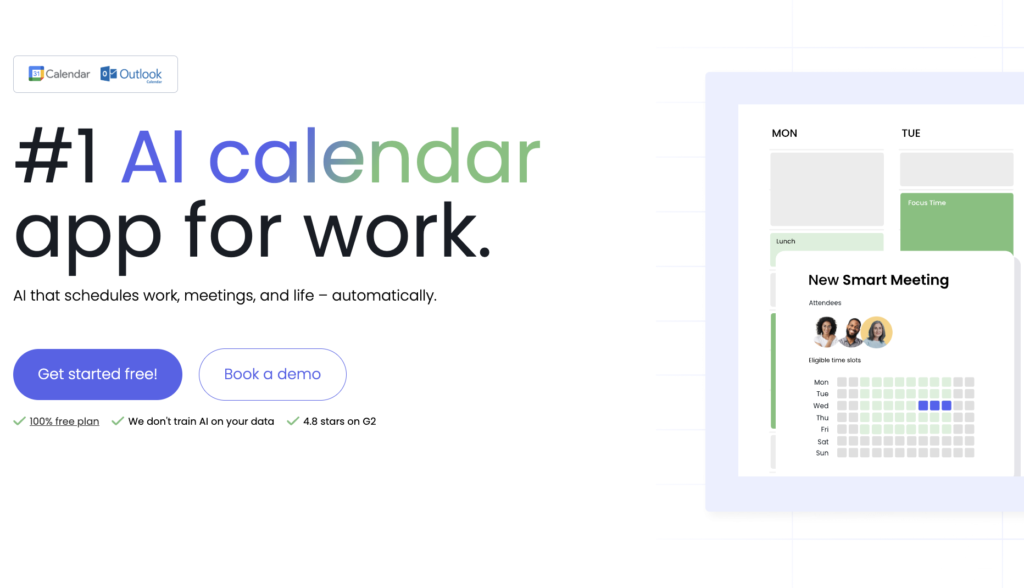
Reclaim is an AI calendar app that automatically schedules your tasks, defends focus time, optimises meetings, and replaces tools like Calendly with smarter scheduling links. You set your priorities and deadlines – Reclaim builds the week around them and adjusts when things change. Works with Google Calendar and Outlook.
✅ Free plan: smart scheduling for one calendar.
💸 Paid: $10/mo – habit scheduling, team syncing, priority task planning.
5. Raycast (Mac only)
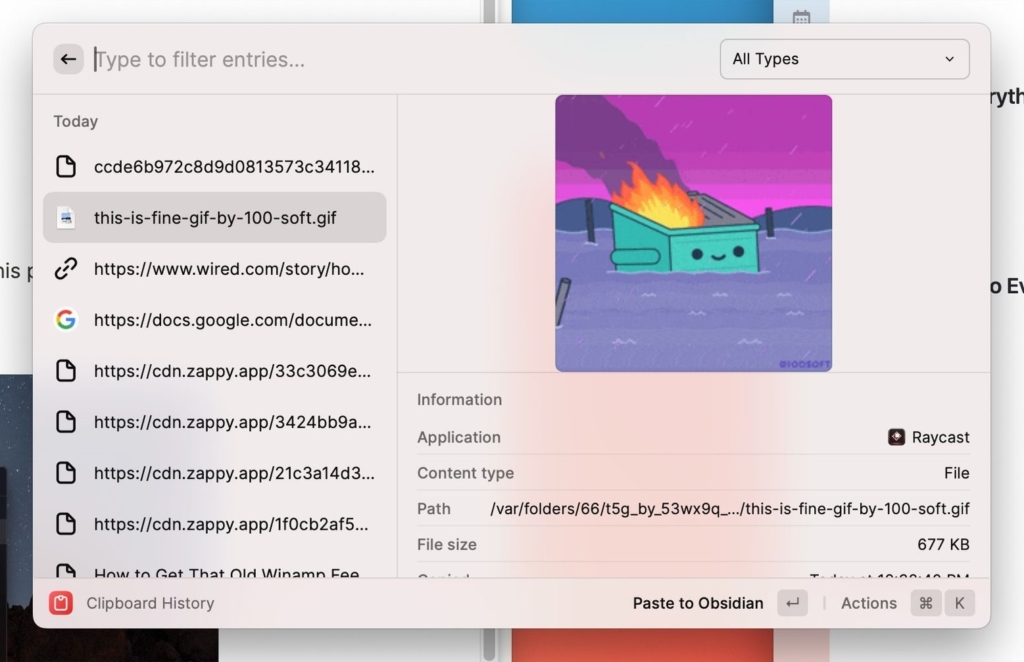
A replacement for the Mac search bar that actually does things. One keyboard shortcut opens a bar where you can launch apps, search files, paste from clipboard history, create tasks, or ask an AI – without clicking around or switching windows. Sounds small. Saves more time than expected.
✅ Free plan: fully functional – launcher, snippets, clipboard history, integrations included.
💸 Paid: $8/mo – AI commands and advanced automation.
6. Notion AI
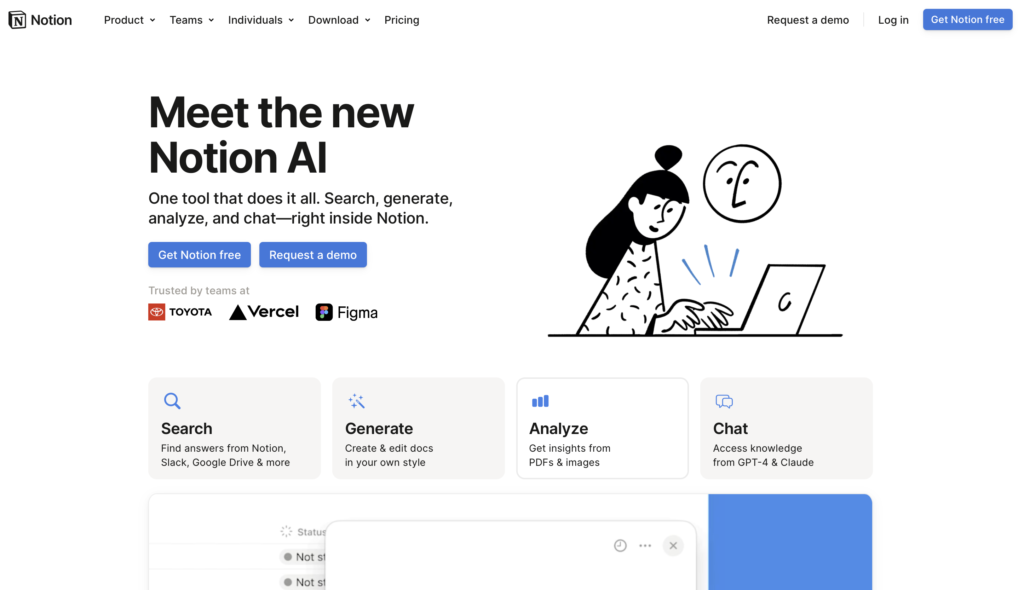
Notion stopped being just a place to store notes a while ago. Today it’s closer to a team workspace with an AI layer built in: it can write content from scratch, answer questions about what’s in your docs (“what did we decide about pricing last month?”), summarise pages, translate content, and manage projects. You describe what you need in plain language, it handles the rest.
✅ Free plan: Notion is free; AI requires upgrade.
💸 Paid: $16/mo (Plus + AI) – full AI writing, summarisation, Q&A, and translation across your workspace.
7. LanguageTool
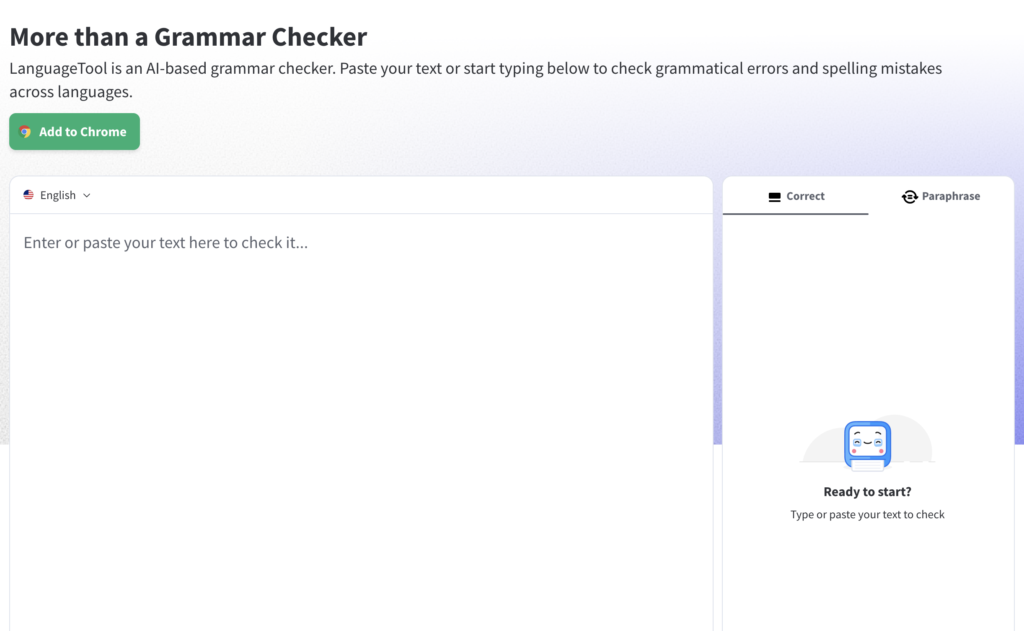
Still copying phrases into ChatGPT to check if they sound right before hitting send? LanguageTool does that automatically, everywhere you type – Gmail, Google Docs, Word, Slack. The free version catches grammar and spelling mistakes. The paid version also suggests how to rephrase a sentence when the wording is off but you can’t quite put your finger on why.
✅ Free plan: grammar and punctuation in 30+ languages – covers daily use completely.
💸 Paid: $7/mo – advanced style suggestions and AI rephrasing.
Content & marketing
Marketing stays a blind spot for most founders – not because they don’t care, but because creating content consistently without a team feels impossible.
8. Exemplary AI
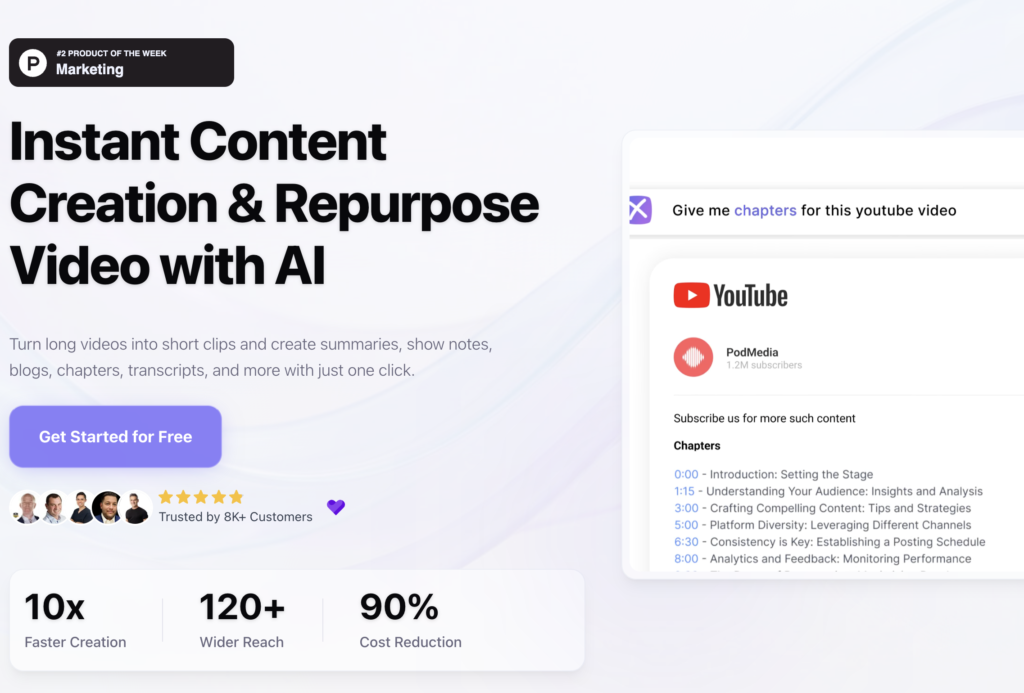
Don’t know what to publish on LinkedIn? Your best content ideas are hiding in your last five calls. Exemplary AI takes any recording and turns it into LinkedIn posts, a newsletter section, and a blog summary in about two minutes.
LinkedIn’s 2025 B2B benchmark found that content from personal profiles generates 8x more engagement than company pages. That gap doesn’t close by writing more – it closes by showing up consistently.
✅ Free plan: 60 min/mo – enough to test the workflow on a few recordings.
💸 Paid: $9/mo – unlimited uploads, custom AI prompts, team access.
9. Canva AI
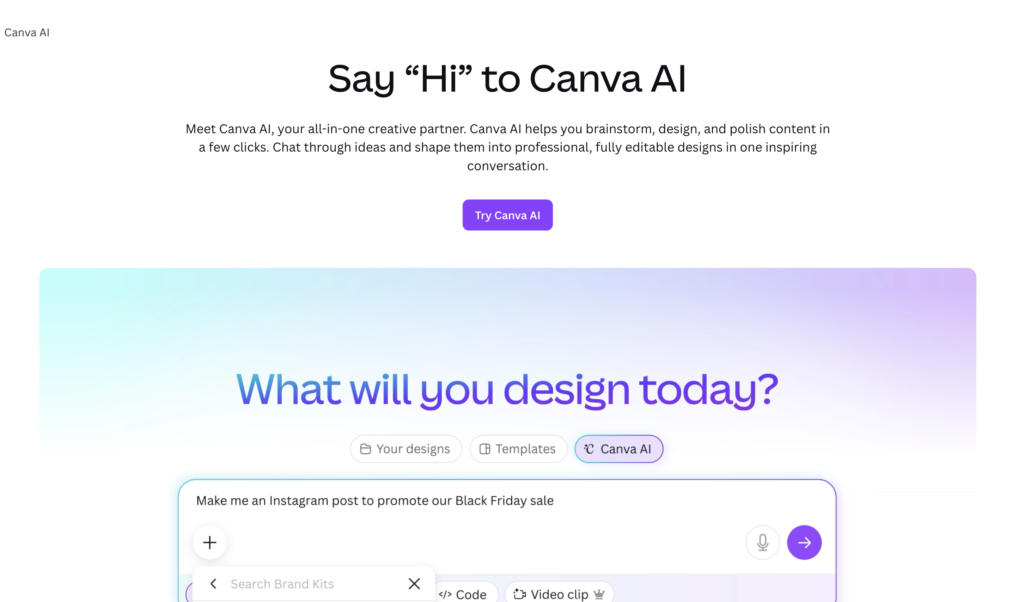
Almost everyone knows Canva. Few use it to its full potential for content creation. The difference is in the AI features most people skip: Magic Design generates a complete visual from a text prompt – layout, colours, copy included. Magic Write drafts the text inside it. The background remover does in one click what used to need a freelancer. From “I need a LinkedIn banner for our launch” to a finished, on-brand asset in under five minutes – no design skills, no brief to anyone.
✅ Free plan: core templates and limited AI features.
💸 Paid: $15/mo – full Magic Design, AI image generation, Brand Kit, unlimited cloud storage.
10. Gamma.app
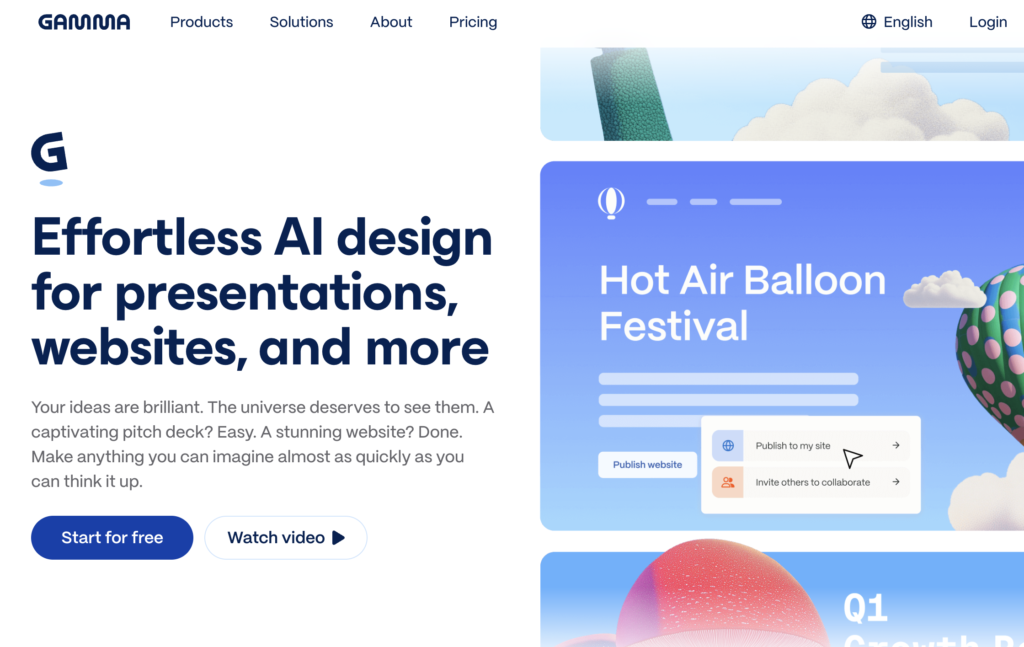
Pitch decks, client proposals, and one-pagers all start the same way: a blank page and not enough time. Describe what you need to Gamma, and it builds the full thing – content, layout, and design – in under two minutes. Gamma Agent can even research the web and pull in relevant data with citations before building it.
What you get isn’t always perfect, but it’s a strong first draft that needs 15 minutes of editing, not a blank page that needs two hours. Clients get a link to an interactive page instead of a PDF, which tends to land better.
✅ Free plan: 400 AI credits – enough for 10–15 projects before upgrading.
💸 Paid: $10/mo – unlimited AI generations, custom branding, view analytics.
Business workflow automation
The tools above automate individual tasks. These two platforms operate at a different level – running entire business functions, with AI that learns and coordinates across them. According to McKinsey’s 2025 workplace AI research, organisations adopting AI automation report 20–40% reductions in time spent on routine work. The question isn’t whether to automate – it’s where to start.
11. Flexus – AI Agents for Business Automation
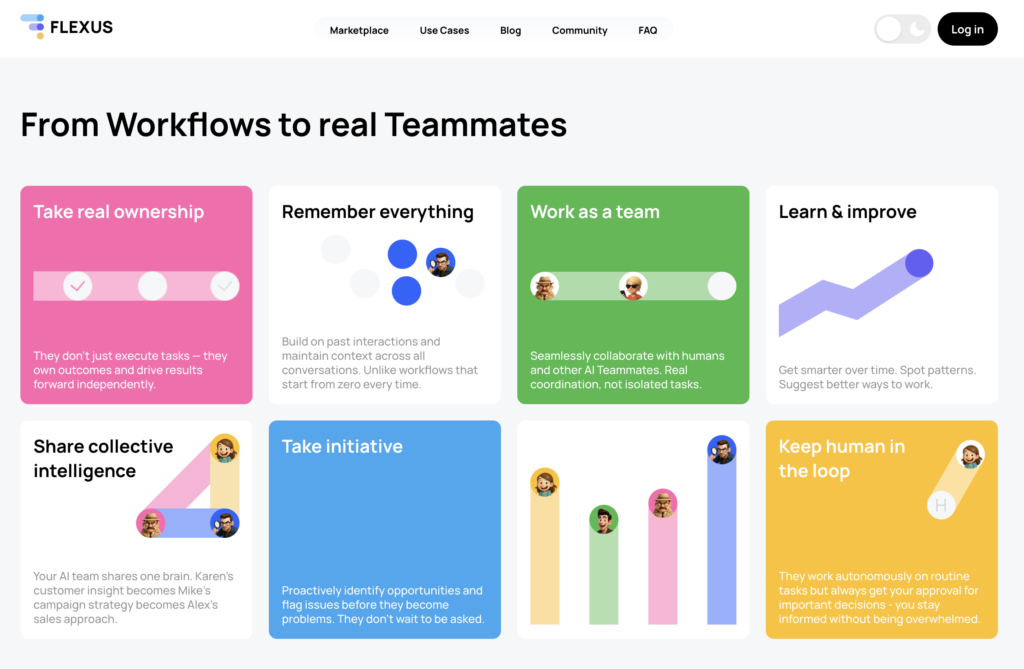
Flexus turns AI into an all-in-one team, not a toolbox. AI agents each own a specific business function – customer support, sales outreach, marketing, invoicing, inbox management – with the domain expertise to run it end-to-end. What one agent learns from a customer conversation, the others already know. The whole system gets smarter as your business grows. It’s your go-to for workflow automation for a small business if you want maximum efficiency!
✅ Pricing: Pay as you go · Get early access to an AI agents team by Flexus →
12. Gemini for Google Workspace
If your team already uses Google tools, Gemini adds an AI layer to each of them – without switching to anything new.
Gmail – summarises threads you’ve been cc’d on for weeks, drafts replies, flags what needs a follow-up.
Google Docs – writes first drafts from a brief, rewrites sections at a different reading level, summarises long documents into a short brief.
Google Sheets – turns plain English into formulas. “Calculate average order value excluding orders under $20” – done, no syntax needed.
Google Slides – builds a full presentation from a document or a text prompt.
Google Meet – writes the meeting summary and action items after the call ends.
Once you start using it properly, the time savings across email, documents, and spreadsheets are genuinely significant.
💸 Paid: from $14/mo (Google Workspace Business Starter + Gemini add-on)
Operations & knowledge
In a small business, the founder ends up doing jobs that larger companies have dedicated people for. Without systems, that work stays on your plate indefinitely – and scales with the business instead of being delegated away from it.
13. Tango.ai
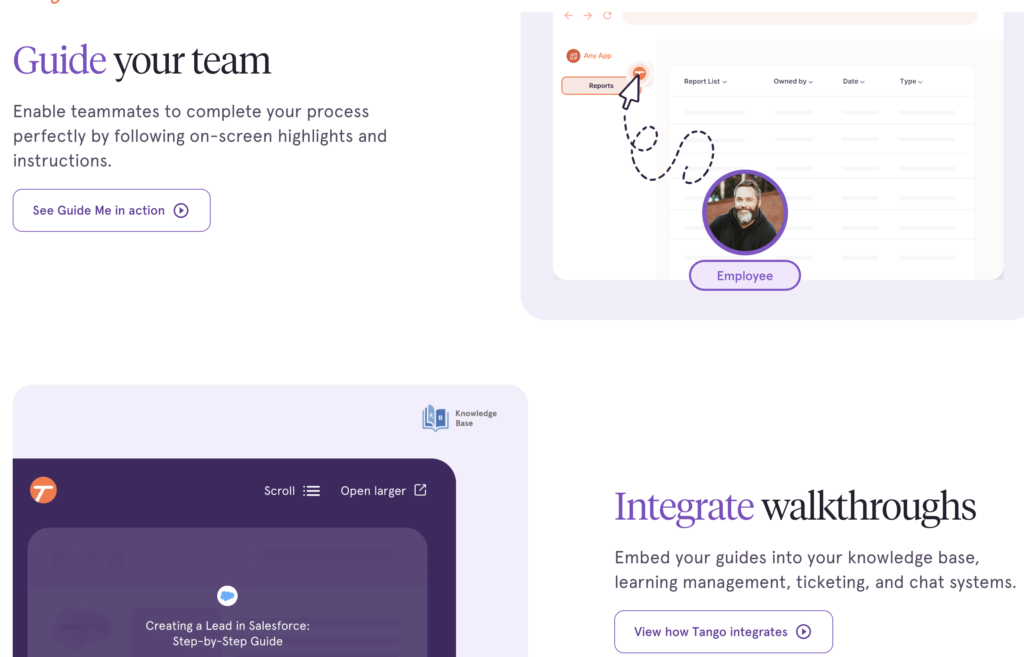
Most teams spend hours every week explaining the same things – via Slack, quick calls, shoulder taps. Tango captures any browser-based workflow in one take: click through the process, and it automatically generates a step-by-step guide with screenshots. No writing required. Share it as a link, embed it in your tools, or send it instead of scheduling the next “quick call to show someone something.” When someone leaves the team, their knowledge stays.
✅ Free plan: unlimited guides – everything most small teams need.
💸 Paid: $20/mo – team sharing, custom branding, advanced export formats.
14. Expensify
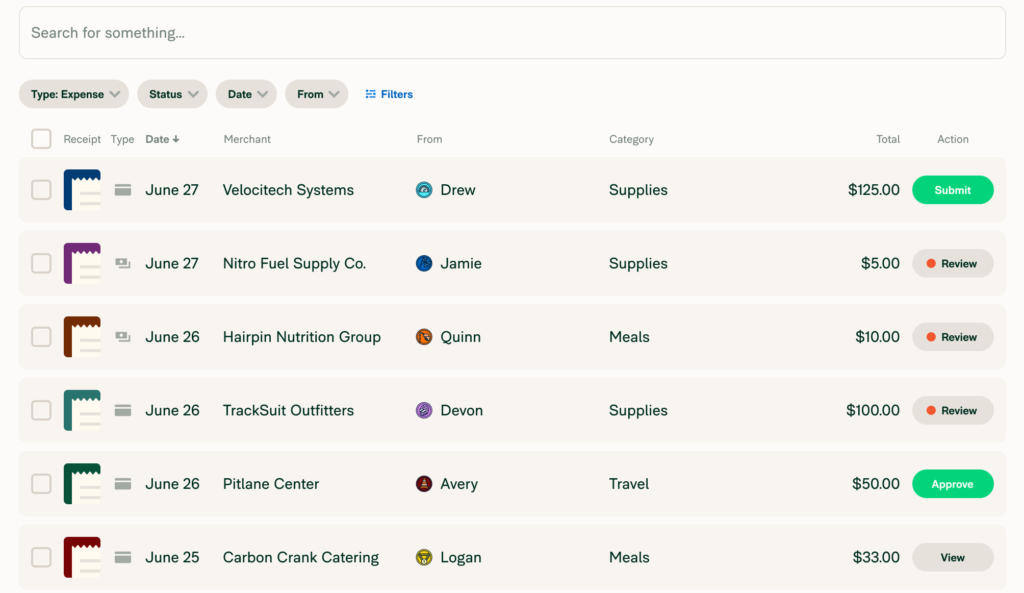
Scan a receipt, Expensify logs it – vendor, amount, category – and syncs it to your accounting software automatically. No spreadsheet, no chasing receipts at month-end. The $5/member plan also includes company cards and travel booking.
✅ Free plan: up to 25 SmartScans/mo.
💸 Paid: from $5/mo per member – full expense suite, company cards, auto-sync with accounting software.
How to get started with workflow automation
Starting with workflow automation for small business doesn’t require a complicated plan. The only rule: start small, stay consistent.
- Identify your highest-volume manual task – the one that happens most often, costs the most time, or just annoys you enough that you keep postponing it. That’s where you start.
- Pick the right tool from the relevant category above and give it 30 days. The first few days might not feel natural – you’re building a new habit, not just using a new app. By the end of the first week, you’ll start to feel the difference!
- Move to the next task gradually. Each one you actually use compounds.
- When you’re ready, scale to delegating entire business functions. AI agent platforms like Flexus let agents interact with each other and share context the way a real team does – what your support agent learns, your sales agent already knows. That’s where AI stops being a tool and starts running your operations.
According to Forbes’s SMB report (2024), AI can reduce operating costs by up to 30% when applied to process automation – with the biggest efficiency gains coming from businesses that start with their highest-volume tasks first.
Frequently asked questions
Which workflow automation tool is best for small businesses?
There’s no single best tool – it depends on where you’re losing the most time. For meetings: Fathom. For customer support: Karen by Flexus. For calendar management: Reclaim.ai. For content: Exemplary AI or Gamma. For cross-functional operations: Flexus. Start with the category that costs you the most time this week.
What business processes can be automated?
Anything that happens on a schedule or follows a predictable pattern: meeting notes and follow-ups, customer support responses, expense tracking, content creation & repurposing, proposal generation, onboarding new hires… The six categories in this article cover the areas where small businesses lose the most time.
Which AI is best for small businesses?
Wrong question. The right question is: which task is costing you the most time this week? Answer that first. Then find the tool that solves it. An AI tool that solves your actual problem is worth more than the “best” platform that solves problems you don’t have.
What are the steps to automate business processes?
The frameworks that actually work follow the same sequence: identify the most repetitive task, document how it currently works (even roughly), pick a tool that fits your existing stack, run it for 30 days, then move to the next one.
What is the best AI agent platform for small business?
For small businesses that want AI agents working as a coordinated team – not just a set of separate tools – Flexus is built for this. Agents share context, hand off tasks to each other, and improve over time. Start with one agent for one function and expand from there. Get early access to Flexus AI agents →
What is the best AI agent for customer service for small businesses?
Karen by Flexus. She operates 24/7 across WhatsApp, Telegram, Discord, and Slack, maintains full conversation history, and detects customer sentiment in real time. Karen learns from every interaction and sends weekly insight reports so your team knows what’s happening in support before it becomes a problem.
Do I need technical skills to use these tools?
No. Every tool on this list is no-code or built into platforms you already use. Fathom, Tango, Expensify, Exemplary AI, Gamma – all work from a browser or app. Flexus requires no coding; you describe what you need and the agents are configured from there.
What are the top workflow automation tools for small businesses in 2026?
The tools that consistently deliver for small teams: Karen by Flexus (customer support), Fathom (meetings), Reclaim.ai (scheduling), Notion AI (knowledge and documents), Exemplary AI (content from recordings), Gamma (presentations and proposals), Tango (process guides), Expensify (expenses), Flexus (business operations platform). Most have free plans.
The bottom line
The data makes the case clearly. According to Thryv (2025), 66% of SMBs using AI save between $500 and $2,000 per month. Salesforce’s SMB Trends Report (December 2024) found that 91% of small businesses using AI say it boosts their revenue – and that SMB leaders who invest in AI are nearly twice as likely to report year-over-year growth compared to non-adopters.
Start gradually. One tool, one process, consistently applied. You’ll see the difference faster than you expect.
If you want your business to move fast from the start, building an AI team is a smarter move than assembling a toolstack one piece at a time. Flexus brings it together – agents that share context, learn from your business, and run support, sales, marketing, and operations as one coordinated system. Try Flexus now →